
a) Selecting A Theme
The very first step will ne to navigate to your Admin Site.
On your left-hand side menu, go to Settings > Themes
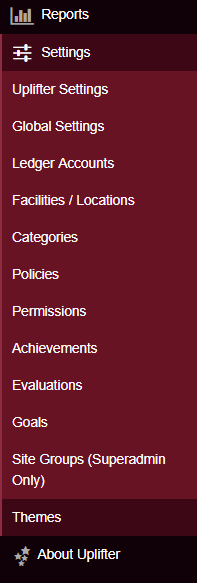
Once there select one of our newer themes, for the best results.
b) The areas to edit and their requirements
On this screen, you can begin selecting the areas which you would like to edit first.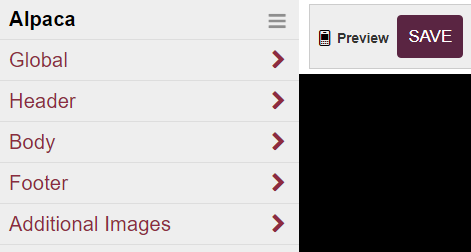
In the Header area, you can upload your full window banner.
It must be 950px (width) by 100px - 200px (height) for a successful upload and implementation.

Your mobile view banner/logo should be 75px - 320px (width) by 65px (height)